FPS Test - The Ultimate Frame Rate Checker
Instantly test your monitor's FPS and refresh rate (Hz). Free online FPS test tool with real-time accuracy. No downloads, no registration.
Current FPS
0
100%
Free Forever
0
Downloads Required
Real-time
FPS Detection
Supported
Free Online FPS Test
Monitor your screen's performance in real-time with our advanced FPS testing tool.
Current FPS
0
Average FPS
0
Min FPS
0
Max FPS
0
Frame Time
0.0ms
Stress Level
0 elements
Refresh Rate Guide
Performance Tips
- Close background applications to free up system resources.
- Enable hardware acceleration in your browser settings.
- Update your graphics drivers to the latest version.
- Disable browser extensions that may affect performance.
What is an FPS Test (Frame Rate Checker)?
An {strong}FPS test{/strong} (or frame rate checker) is an essential tool for anyone who wants to understand their display's performance. Whether you're a gamer, content creator, or simply someone who values smooth visual experiences, knowing your monitor's frame rate is crucial.
Our {strong}free online FPS test{/strong} measures how many frames per second (FPS) your browser can render, giving you real-time insights into your system's visual performance capabilities. This browser-based FPS test tool requires no downloads.
Frame rate, measured in frames per second (FPS), directly impacts the smoothness of animations, videos, and games. Higher frame rates result in smoother motion. With www.fpstest.tools, you can instantly test your FPS online for free.
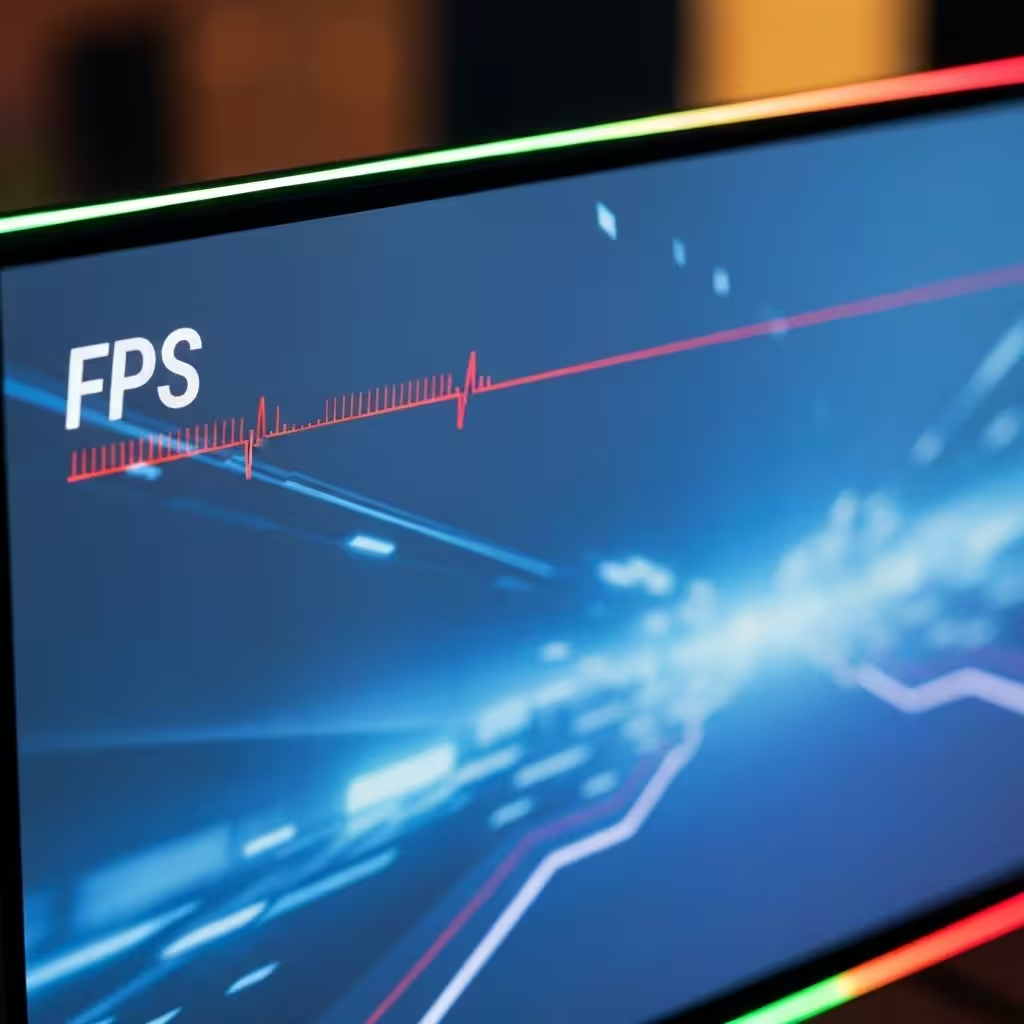
Why Use Our Free Online FPS Test?
Real-Time FPS Test
Get instant, accurate frame rate measurements as you browse. Our FPS checker updates every second for precision.
Performance Analytics
Track minimum, maximum, and average FPS over time. Understand your display's true capabilities with detailed metrics.
No Install Required
No downloads required. Our free online FPS test works directly in your browser on any device.
Visual FPS Graph
Watch your frame rate performance over time with our interactive real-time graph visualization.
Understanding FPS and Refresh Rates

What is FPS (Frame Rate)?
FPS (Frames Per Second) refers to the number of individual images displayed per second on your screen. The higher the FPS, the smoother the motion appears. This is why an {strong}FPS test{/strong} is essential for gamers and professionals alike.
Common FPS targets include 30 FPS (minimum), 60 FPS (standard), 120 FPS (smooth), and 144+ FPS (competitive gaming). Use our free online FPS test to see where your system stands.
FPS vs Refresh Rate
Frame Rate (FPS)
How many frames your system can produce per second. Our FPS test measures this in real-time based on your hardware capabilities.
Refresh Rate (Hz)
How many times your monitor updates its display per second. To fully utilize high refresh rate monitors, your FPS must match or exceed the Hz.
Who Needs an FPS Test?
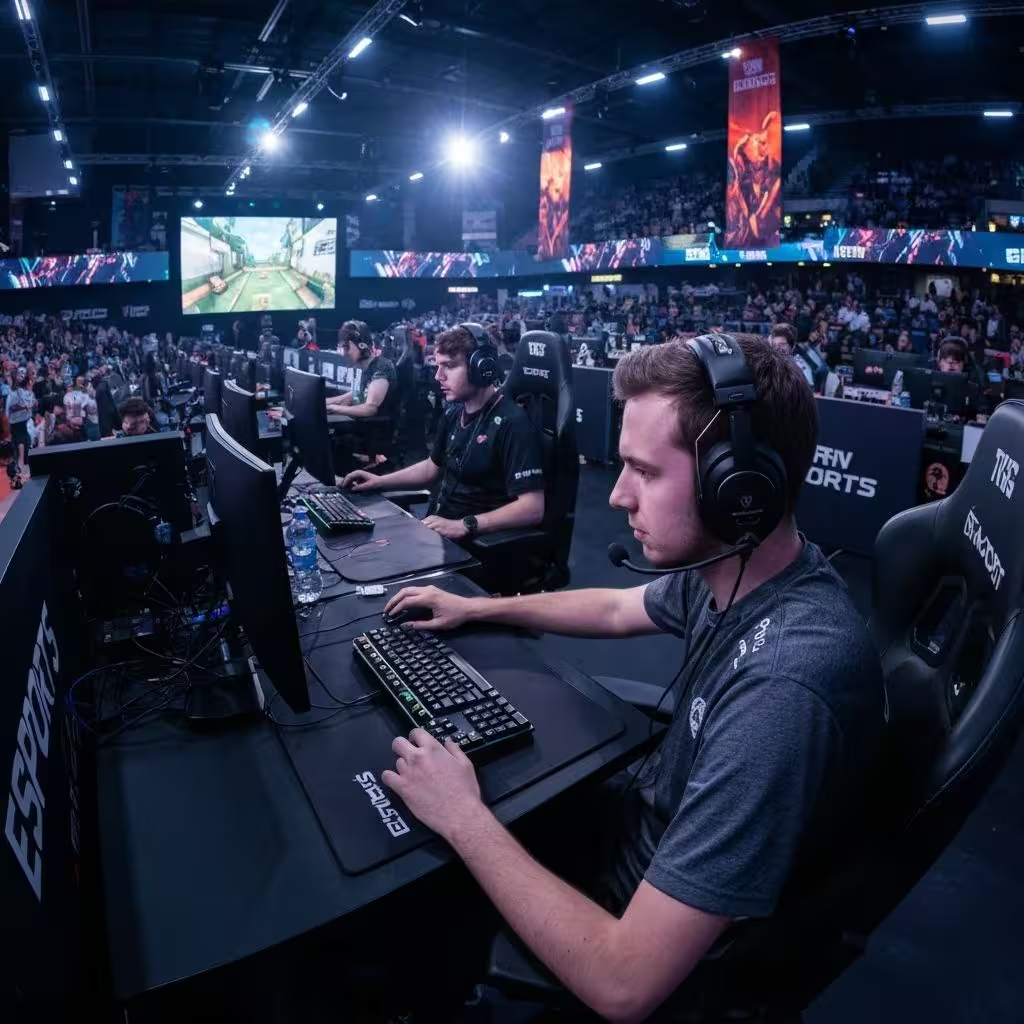
Gamers
Competitive gamers rely on high frame rates. Use our free online FPS test to ensure your setup meets competitive standards like 144Hz or 240Hz.
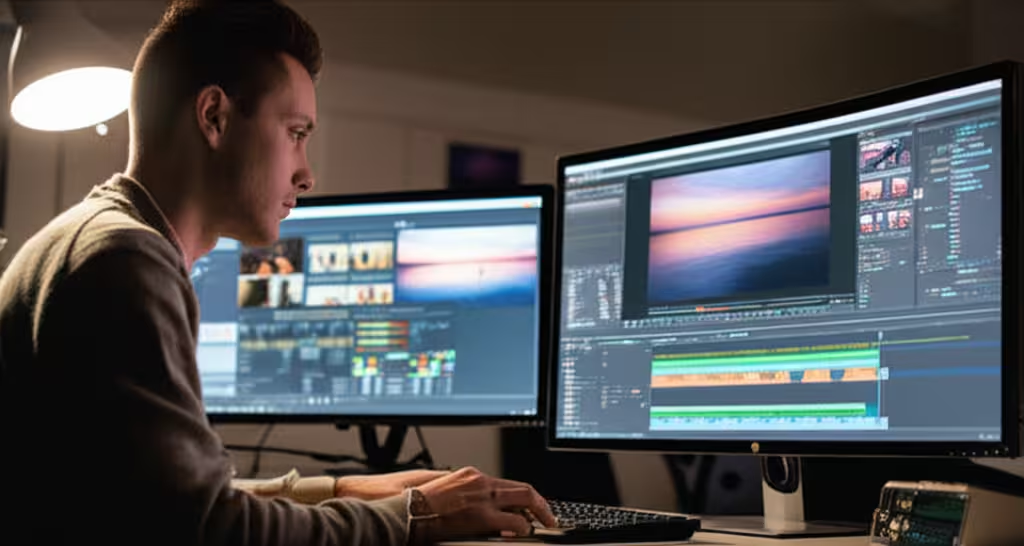
Content Creators
Video editors and streamers need consistent frame rates. An FPS test helps identify performance issues that could affect video quality.
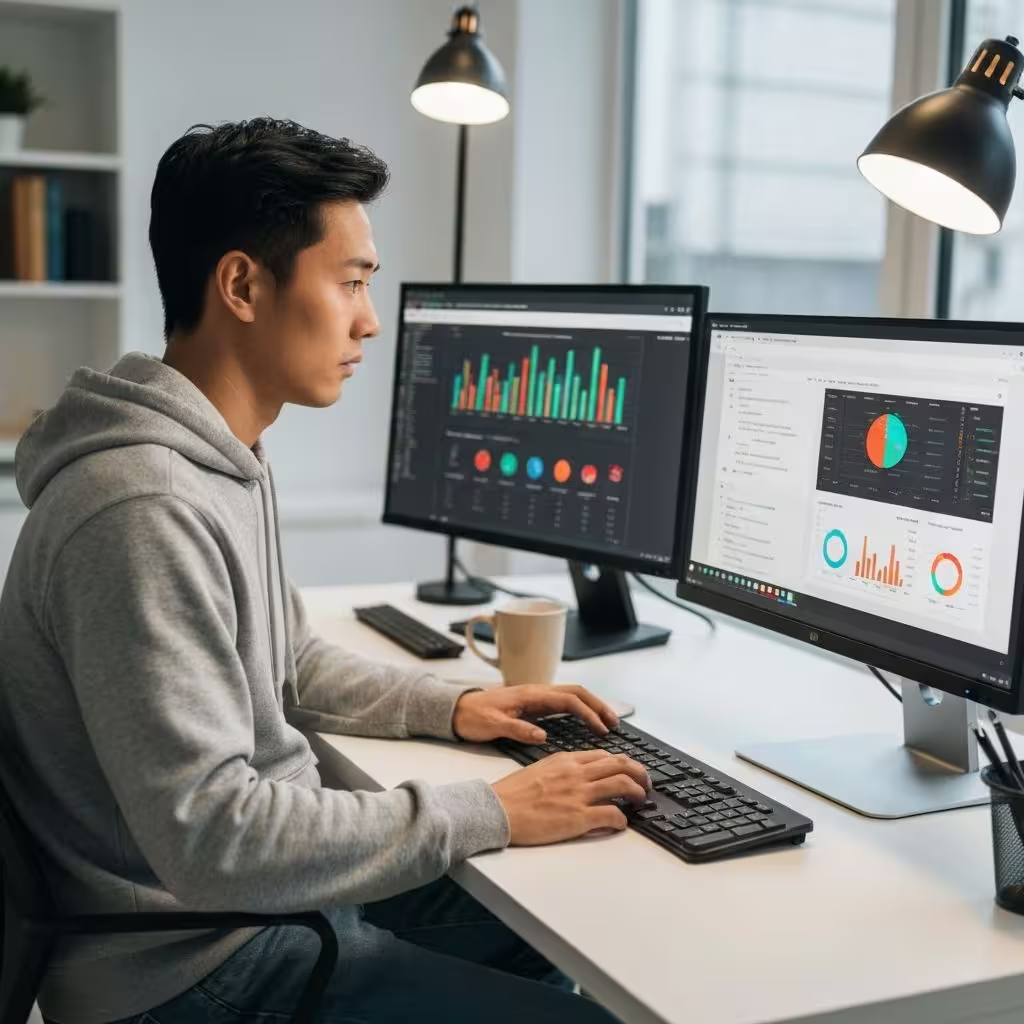
Web Developers
Developers use FPS testing tools to optimize web animations and ensure smooth user experiences.
How to Use Our Free Online FPS Test
Open the FPS Test
Simply visit www.fpstest.tools - no downloads, no installations. Our free online FPS test works instantly.
Let the Test Run
The FPS checker automatically begins measuring. For accurate results, let it run for at least 30 seconds.
Analyze Your Results
Review your current FPS, average FPS, minimum and maximum values. The visual graph shows performance stability.
Export and Compare
Download your results as JSON. Use this data to compare performance after making system changes.
Tips for Accurate FPS Testing
Close Background Apps
For the most accurate FPS test results, close unnecessary applications consuming system resources.
Disable Browser Extensions
Some extensions can affect performance. Disable them temporarily for a true baseline FPS measurement.
Test Multiple Times
Run the FPS test several times to get a comprehensive view of your system's performance.
Use Fullscreen Mode
Testing in fullscreen can provide more accurate FPS results by eliminating browser UI overhead.
Test on Multiple Devices
Use our free online FPS test on different devices to compare performance across your setup.
Check Hardware Acceleration
Ensure hardware acceleration is enabled in your browser settings for optimal FPS performance.
Technical Details: How Our FPS Test Works
Our FPS test uses the browser's {code}requestAnimationFrame{/code} API to accurately measure frame rates. This is the industry standard for precise, real-time FPS data.
The free online FPS test calculates frames rendered within each second. Advanced metrics like frame time help identify stuttering.
Unlike downloadable software, our browser-based FPS test measures your system's ability to render web content specifically.
Understanding FPS: A Comprehensive Guide
Frame rate (FPS) determines how smooth motion looks. Higher FPS delivers more fluid movement and a more responsive feel.
24 FPS
Film-standard cadence, ideal for narrative and artistic work.
30 FPS
Typical for broadcast TV and web video, smoother than 24 FPS.
60 FPS
Standard for gaming and sports; captures fast motion fluidly.
90 FPS
Used in VR to reduce judder and improve comfort.
120 FPS
Excellent for slow-motion and high-speed gameplay.
240 FPS
Designed for esports; ultra-smooth with fine motion granularity.
FPS and Gaming Performance
In games, higher FPS enhances responsiveness. Competitive players target 60 FPS and often 120/144+.
What's the Difference Between FPS and Refresh Rate?
Frame Rate (FPS)
The number of frames produced each second.
Refresh Rate (Hz)
How often the display updates. Matching FPS to Hz maximizes smoothness.
Boosting FPS on Devices
- Lower Resolution
- Update Graphics Drivers
- Optimize Video Settings
- Overclocking
- PC Optimization Software
- Disable Background Apps
- Update DirectX
- Clean System Cooling
- Upgrade Hardware
- Display Settings
Lowering resolution and tuning quality options can significantly increase FPS.
System Maintenance
Keep drivers up to date and manage background processes to sustain stable FPS.
Hardware Considerations
For substantial gains, upgrade GPU, CPU, or RAM.
Note: Overclocking can improve performance but may affect stability.
Frequently Asked Questions
Everything you need to know about our free online frame rate checker.